Blog / Photos to Video — Make a Slideshow from Your Pictures
Photos to Video — Make a Slideshow from Your Pictures
Turn profile, function, or tour photos into a slideshow video, with optional clips and audio, on Grab Media.
By Tamilselvan M. · 2026-09-30 · 5 min read
When to use photos to video
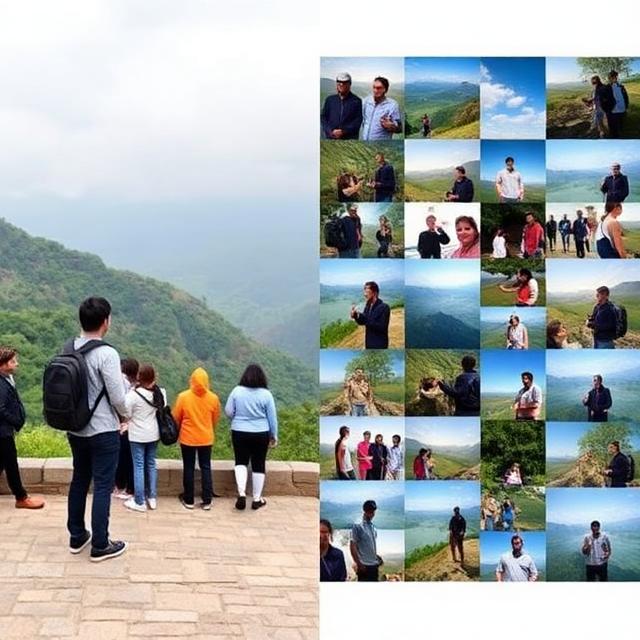
Photos to video is for pictures you already have: profile shots, event photos, or a trip. It builds a slideshow video instead of inventing new footage from a text prompt.
Open Photos to Video on Grab Media, upload the photos, and optionally add video clips or a music or narration track. The result is one video you can preview and download.
Steps to build the slideshow
Open the photos-to-video page and add the photos you want in the clip.
Optionally add short video clips and an audio file if you want sound over the slideshow.
Choose the slideshow style shown on the form, then generate.
Follow the job in your task list. When it completes, preview the video and download it.
What to keep in mind
Use photos and audio you have the right to publish.
A few clear photos usually look better than a long set of similar shots.
For a clip generated from a written prompt, use text-to-video instead. Use photos-to-video when the pictures already exist.